


Hey there! As a supplier of Projector Stand Wall products, I've seen my fair share of issues that customers run into. In this blog, I'll share some tips on how to troubleshoot common problems with a projector stand wall.
1. Installation Woes
One of the most common issues is installation problems. Sometimes, the stand might not fit properly on the wall, or it could be wobbly after installation.
Misaligned Holes
If you're having trouble getting the holes in the projector stand to line up with the wall mounts, don't panic. First, double - check the measurement. You might have marked the wrong spots on the wall. Use a level to make sure the marks are straight and at the right height.
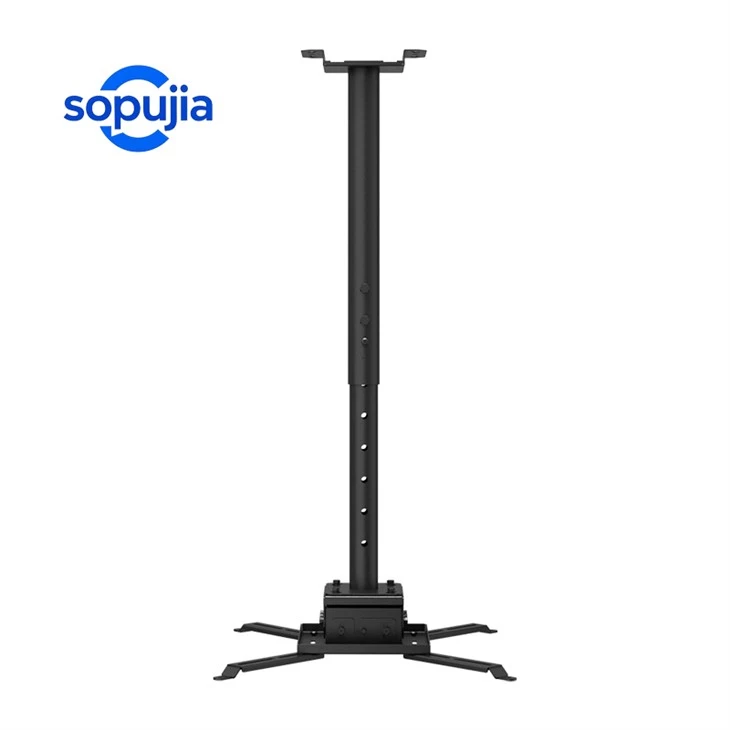
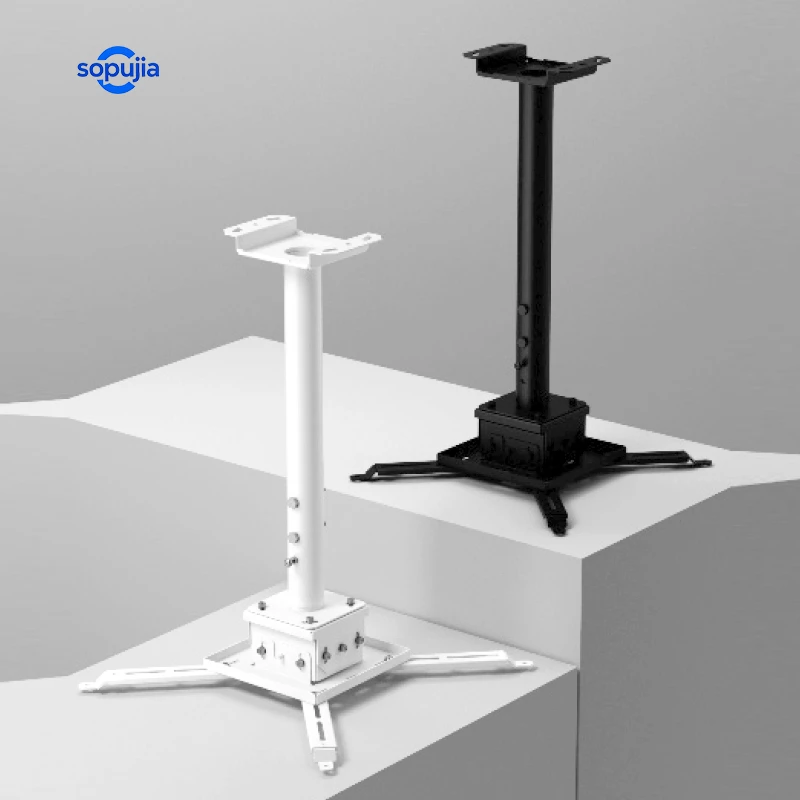
Also, check if the stand has adjustable parts. Some of our Extra Long Projector Ceiling Mount models come with flexible arms that can be adjusted to better fit the wall layout.
Wobbly Stand
A wobbly stand is not only annoying but can also be a safety hazard. The main reason for a wobbly stand is usually loose screws. Check all the screws on the stand and the wall mounts. Use a screwdriver to tighten them up.
If the problem persists, it could be that the wall itself is not sturdy enough. Try using wall anchors for a more secure hold. For lightweight projectors, plastic wall anchors might work, but for heavier ones, you'll want to use metal anchors.
2. Compatibility Issues
Not all projectors are created equal, and sometimes they might not be compatible with the stand wall.
Projector Size and Weight
Before purchasing a stand, it's crucial to know the size and weight of your projector. Our Tilted Ceiling Projector Bracket has a weight limit, and if you exceed it, the stand might not support the projector properly.
Check the product specifications of both the projector and the stand. Make sure the mounting holes on the projector match the ones on the stand. If they don't, you might need an adapter plate.
Mounting Pattern
The mounting pattern refers to the distance between the mounting holes on the projector and the stand. Different projectors have different mounting patterns. If the pattern doesn't match, you won't be able to attach the projector to the stand.
Some of our stands come with adjustable mounting plates that can be customized to fit different mounting patterns. If your stand doesn't have this feature, you can look for a universal adapter plate.
3. Angle and Viewing Problems
Getting the right angle and viewing position is essential for a good projection experience.
Incorrect Angle
If the projector is not at the right angle, the image on the screen will be distorted. You might see a trapezoid - shaped image instead of a rectangle.
Most of our stands, like the White Projector Stand, come with tilt and swivel adjustments. Use these features to adjust the angle of the projector until the image is properly aligned on the screen.
Blocked View
Sometimes, there might be objects blocking the path between the projector and the screen. Check for any obstacles such as curtains, furniture, or even cables.
Make sure to position the stand in a place where there are no obstructions. You might need to rearrange the room a bit to get the best viewing position.
4. Electrical and Connectivity Issues
In some cases, the problem might not be with the stand itself but with the electrical and connectivity aspects.
Power Supply
A projector needs a stable power supply to work properly. Check if the power cable is securely plugged into the projector and the wall outlet.
If the projector keeps shutting off, it could be due to a loose connection or a problem with the power outlet. Try plugging the projector into a different outlet or using a surge protector.
Connectivity
If you're having trouble connecting your projector to a device such as a laptop or a DVD player, check the cables. Make sure they are properly plugged in and that they are the right type of cables.
Some projectors support multiple types of connections, such as HDMI, VGA, and USB. Make sure you're using the correct cable for your device.
Troubleshooting Summary
To sum it up, here's a quick checklist for troubleshooting projector stand wall issues:
- Installation: Double - check measurements, tighten screws, and use wall anchors if needed.
- Compatibility: Know the size, weight, and mounting pattern of your projector and choose a compatible stand.
- Angle and Viewing: Adjust the tilt and swivel of the stand, and remove any obstructions.
- Electrical and Connectivity: Check power cables and connection cables.
If you've tried all these troubleshooting steps and still can't solve the problem, don't hesitate to reach out to us. We're here to help you find the best solution for your projector stand wall needs. Whether you need a new stand, an adapter, or just some more advice, we've got you covered.
As a supplier of high - quality projector stand wall products, we're committed to providing you with the best products and support. If you're interested in purchasing our products or have any questions about our Extra Long Projector Ceiling Mount, Tilted Ceiling Projector Bracket, or White Projector Stand, feel free to contact us for a friendly chat about your requirements and to start a procurement discussion.
References
- General knowledge from years of experience as a projector stand wall supplier.
- Product manuals and specifications of our projector stands.


